Multimedia

Illustration

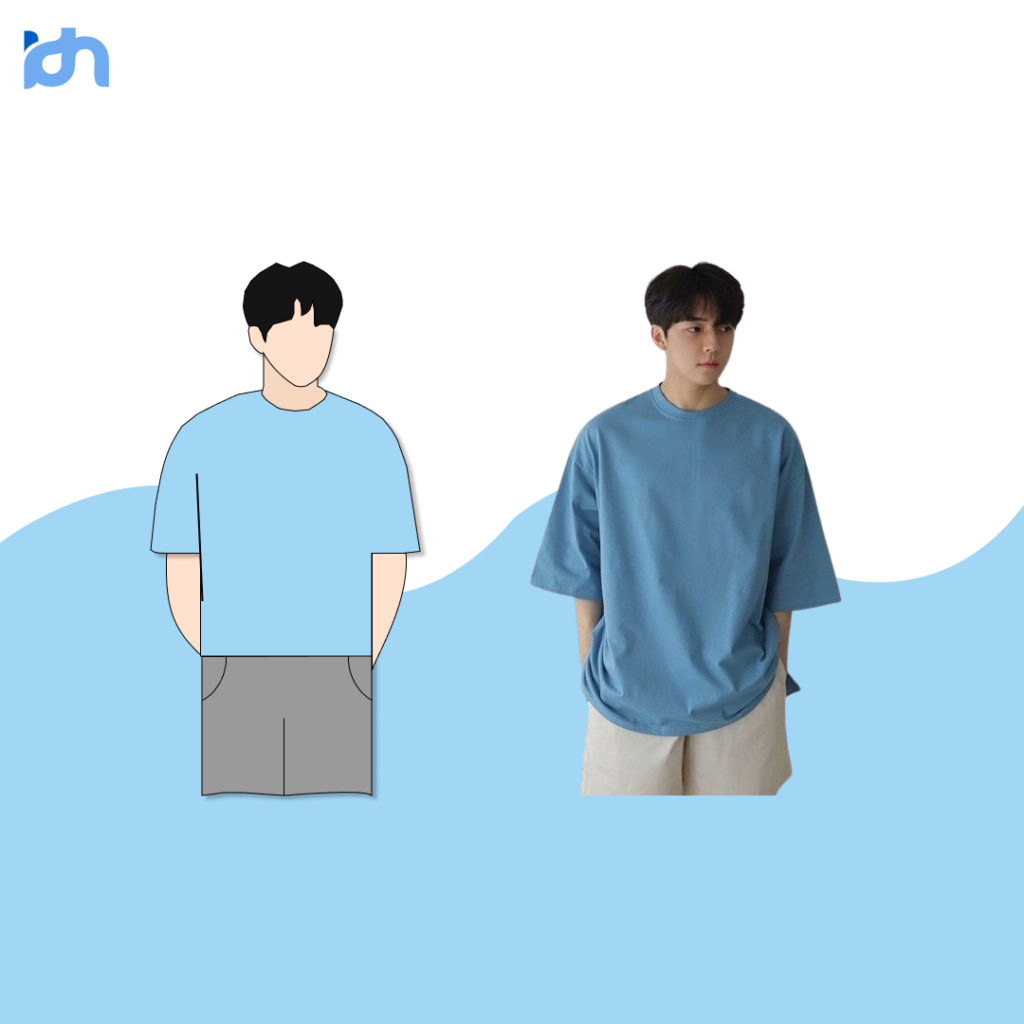
Vector Illustration is a form of digital artwork created using mathematical equations rather than pixels. It’s widely used in graphic design due to its scalability and clean, precise lines.

When illustrating a person using vector art, the design typically features simplified or stylized elements, making it suitable for various applications like branding, education, or advertising.


Advertising poster

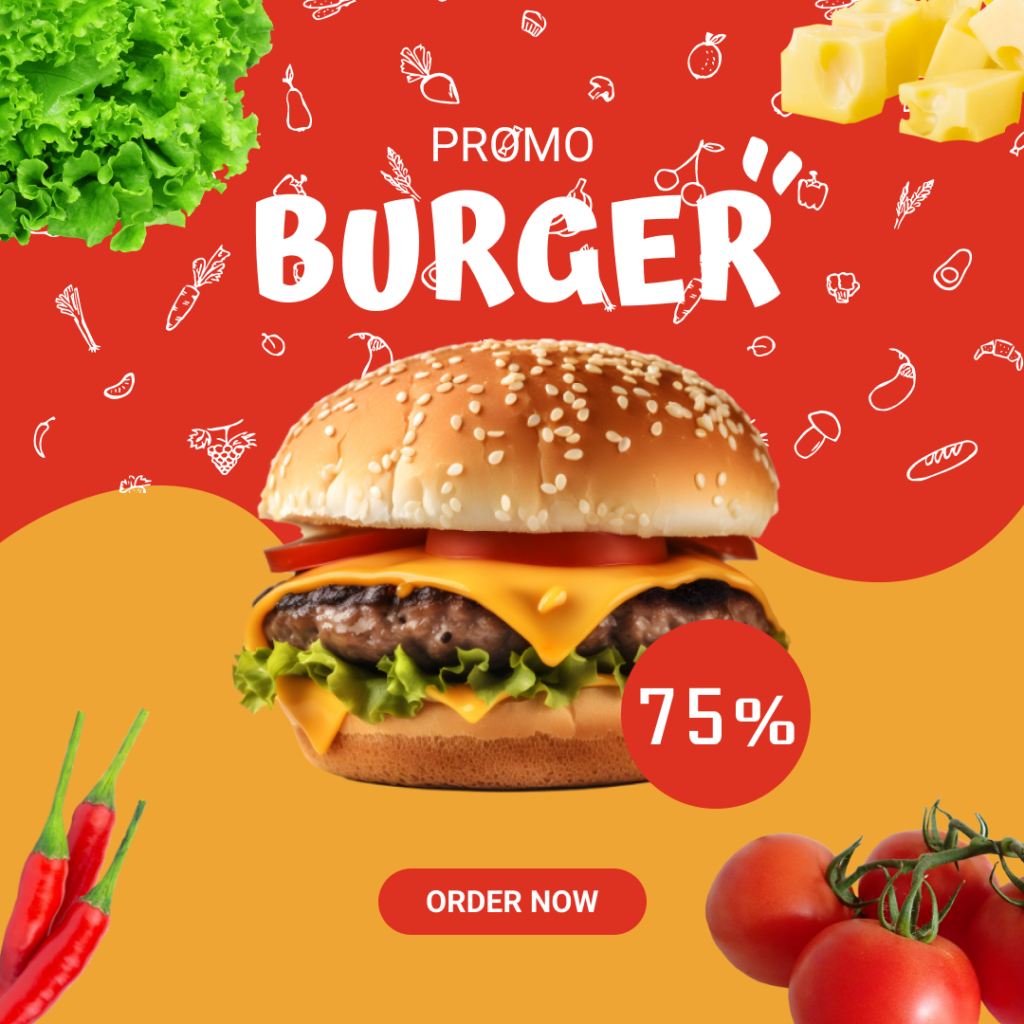
An advertising poster is a visual communication tool designed to promote products, services, events, or ideas to a target audience.

These posters are crafted to capture attention, convey a message quickly, and persuade viewers to take action, such as making a purchase or attending an event.


Infographic poster

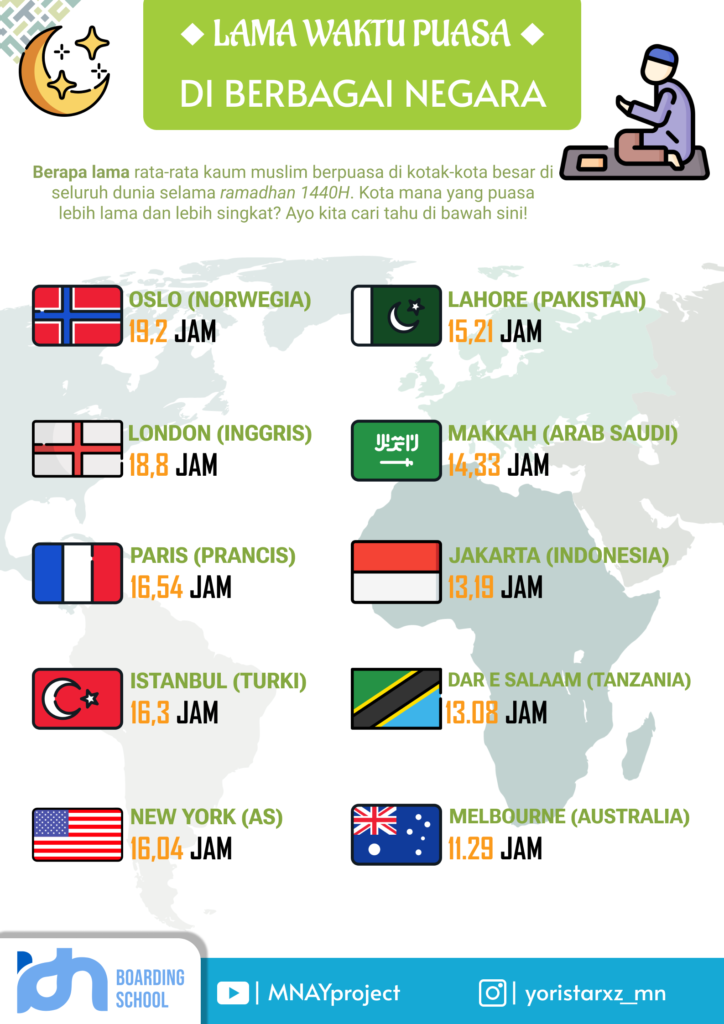
An infographic poster is a visual communication tool that combines graphics, text, and data to present complex information in a clear, concise, and engaging way. Its purpose is to simplify the understanding of a topic, often using visuals like charts, icons,

and diagrams to make the content more accessible and appealing. These posters are crafted to capture attention, convey a message quickly, and persuade viewers to take action, such as making a purchase or attending an event.


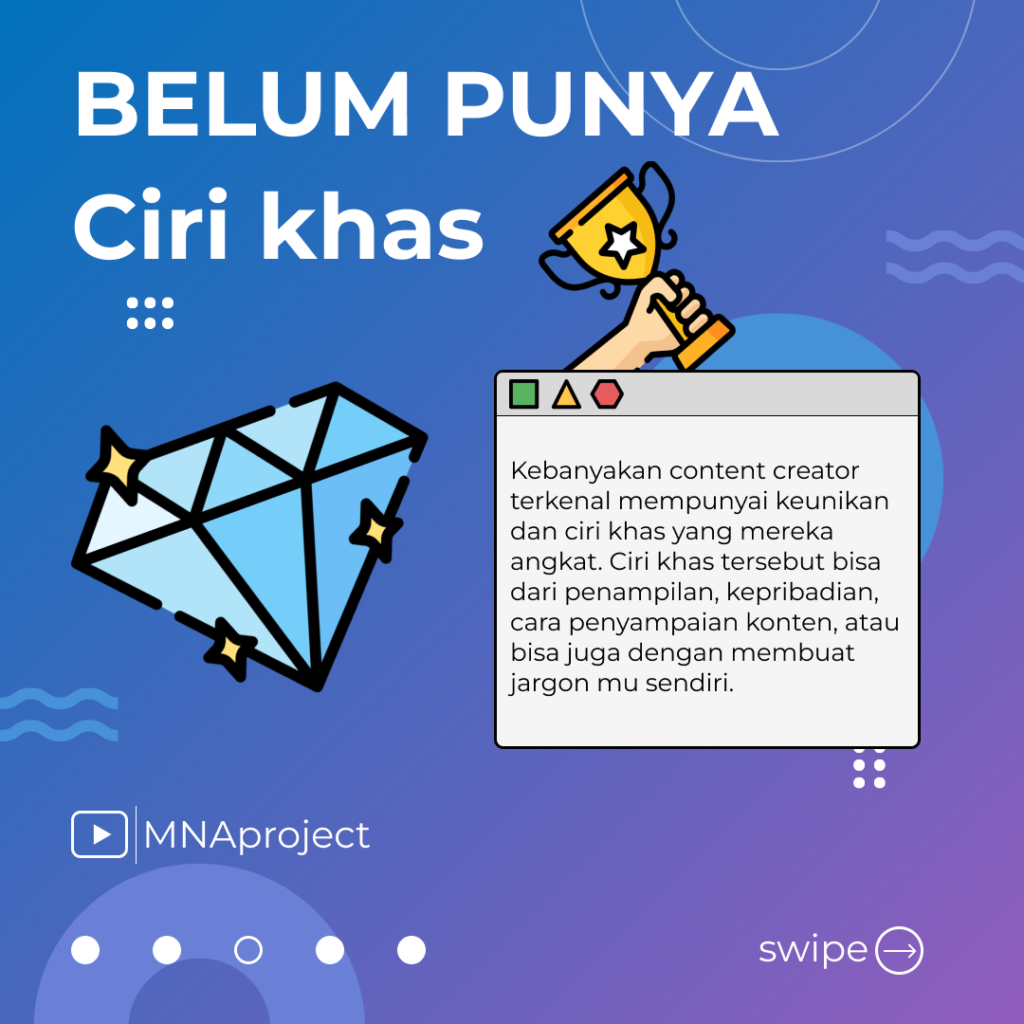
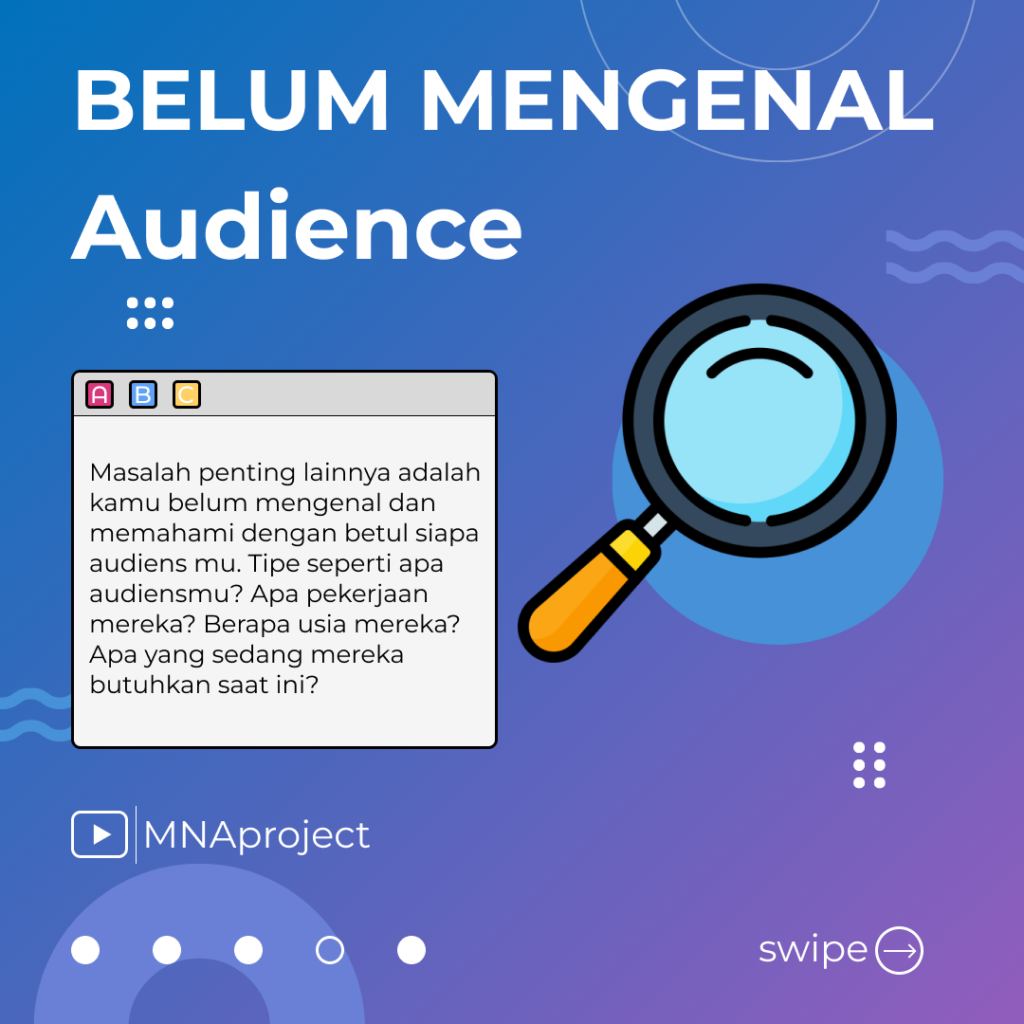
Instagram post

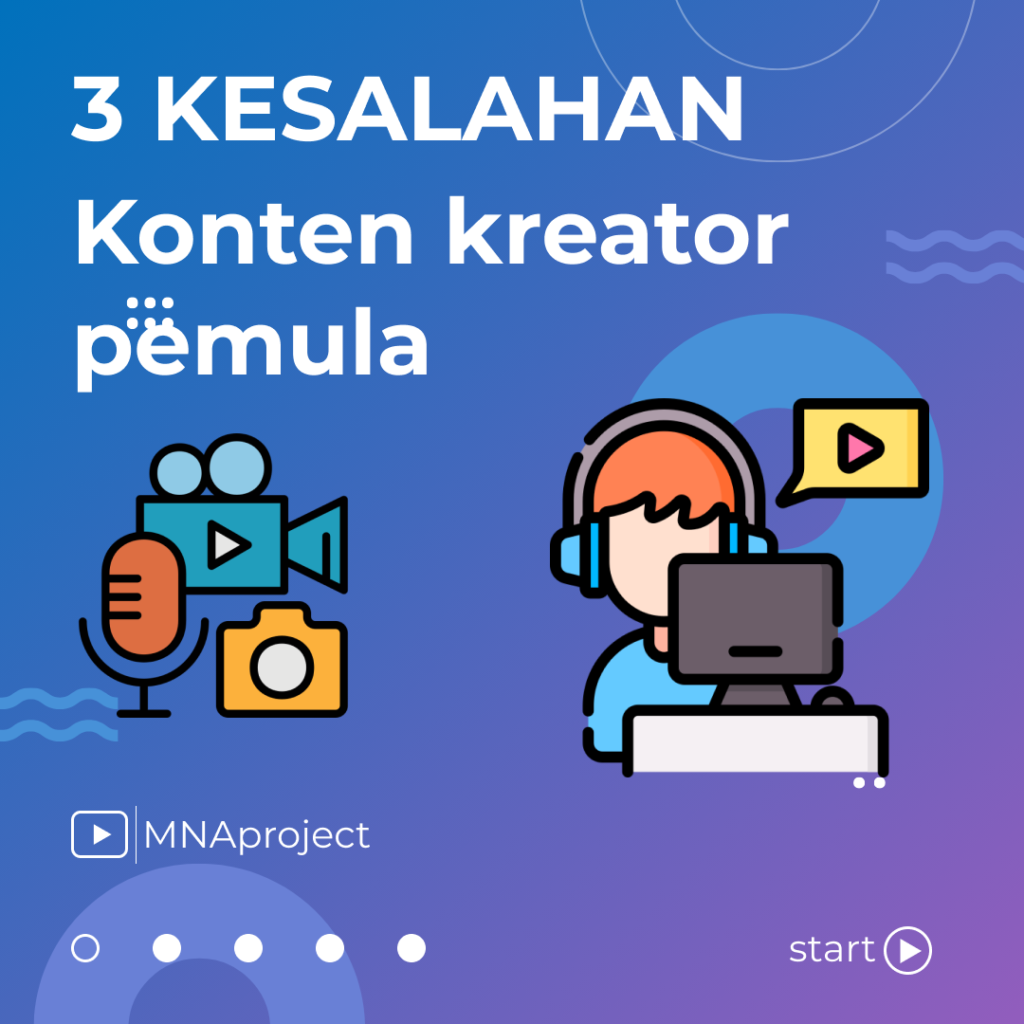
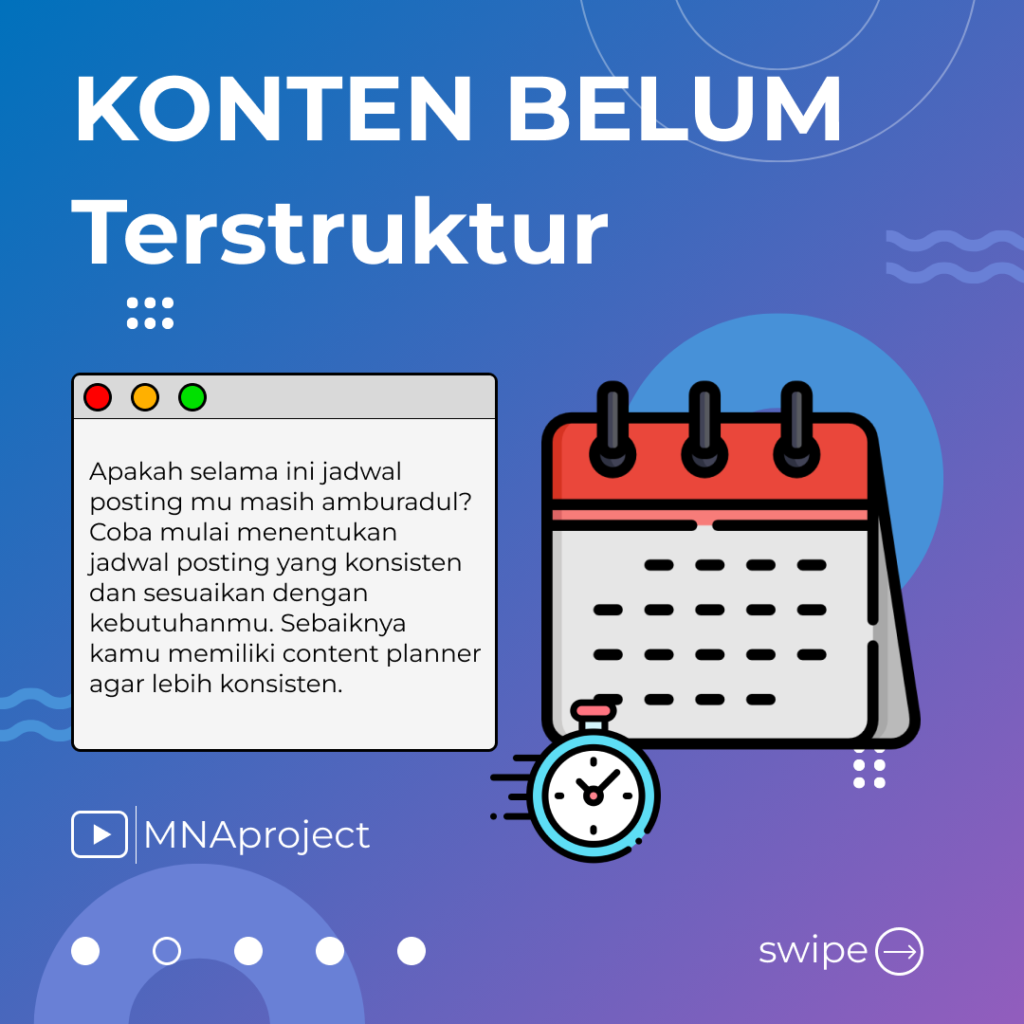
An Instagram post is a piece of content shared on the Instagram platform that appears in the user’s profile and their followers’ feeds. These posts are highly visual and designed to engage the audience through images, videos, or carousels, combined with captions and interactive elements.

Key Characteristics of an Instagram Post:

  1. Visual Content:

    • The core element of an Instagram post is a photo, video, or graphic.
    • Images can range from lifestyle photos to branded designs, while videos can showcase tutorials, stories, or behind-the-scenes content.
  2. Captions:

    • Accompany the visual content, providing context, storytelling, or additional information.
    • Captions often include hashtags to increase discoverability and reach a wider audience.
  3. Engagement Features:

    • Followers can interact through likes, comments, and shares.
    • Posts can also tag other users, locations, or products for added context and engagement.
  4. Post Formats:

    • Single Image/Video: A single piece of visual content.
    • Carousel: Multiple images or videos in a swipeable format, ideal for storytelling or showcasing multiple products.
    • Reels and IGTV: While primarily video-focused, these can also be shared as regular posts.
  5. Purpose:

    • Instagram posts are used to build brand identity, share personal moments, promote products or services, educate, or entertain followers.
  6. Aesthetic and Branding:

    • Successful posts maintain a consistent style or theme aligned with the creator’s or brand’s identity.
    • Thoughtful use of filters, color schemes, and fonts enhances visual appeal.
  7. Analytics:

    • Instagram provides insights like reach, impressions, and engagement rates, allowing users to measure the performance of their posts.

Common Use Cases:

  • Personal Sharing: Sharing milestones, travels, or hobbies.
  • Business and Marketing: Highlighting products, services, promotions, or customer testimonials.
  • Community Building: Engaging with followers through challenges, polls, or user-generated content.

In summary, an Instagram post is a versatile tool for personal expression, storytelling, and brand promotion, leveraging visuals and interactivity to engage and connect with an audience.

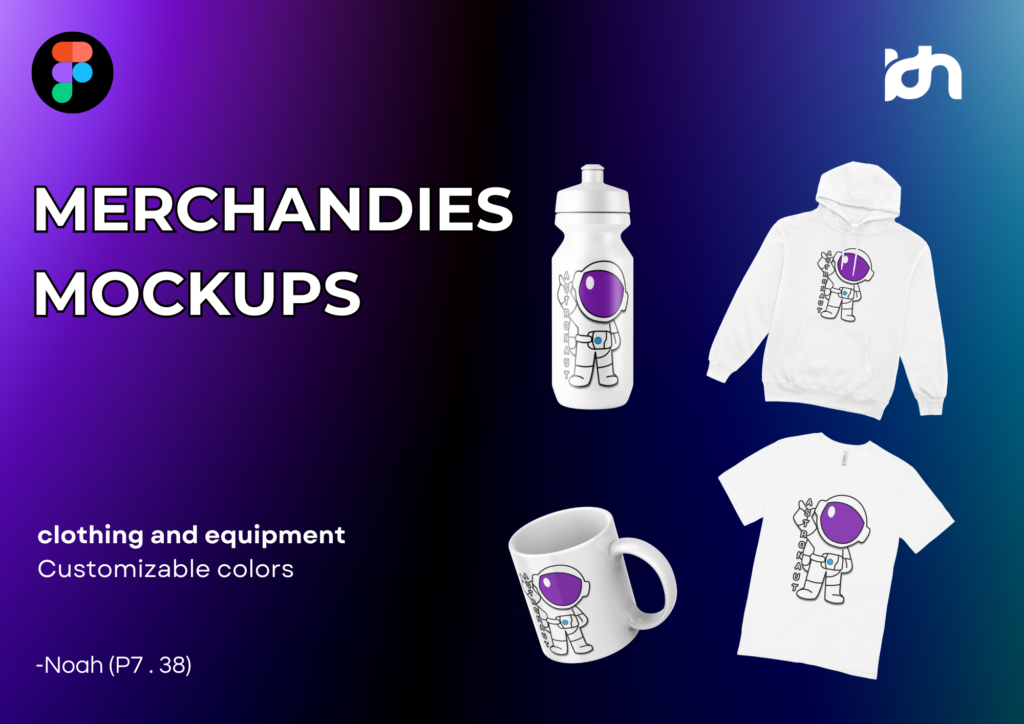
Merchandies mockups

Merchandise mockups are digital or physical representations of products used to visualize how a design or branding will appear on actual items.

These mockups are widely used by designers, marketers, and businesses to present concepts, test designs, or showcase products to clients and customers before production.


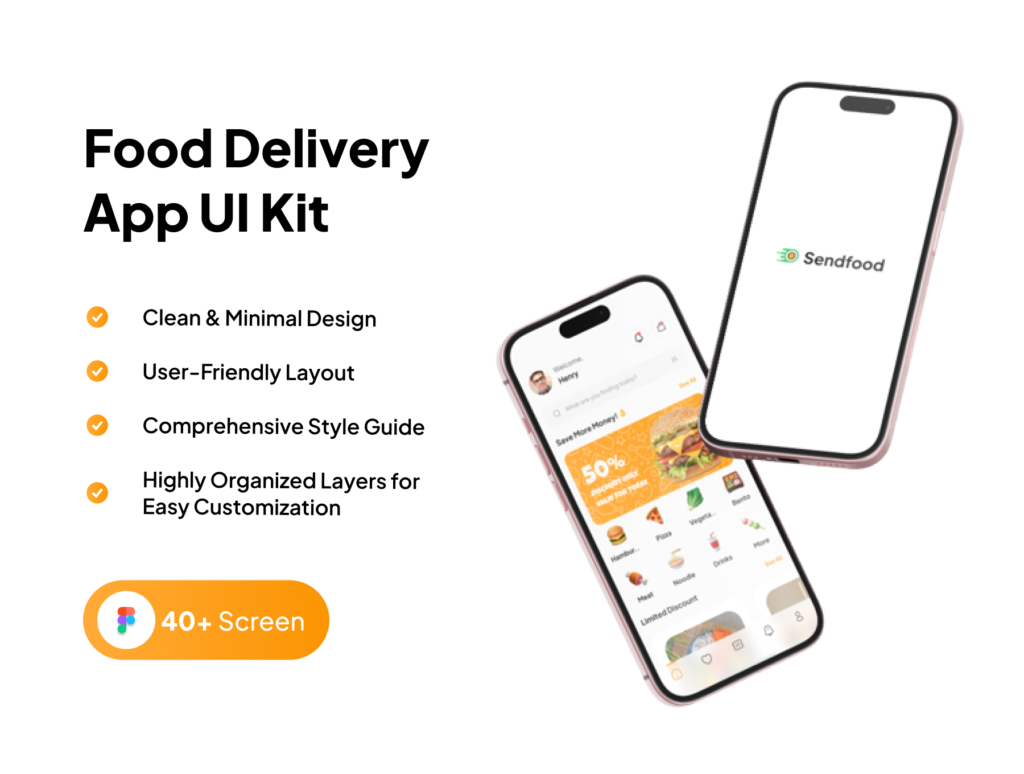
Sendfood - Food delivery app UI kit

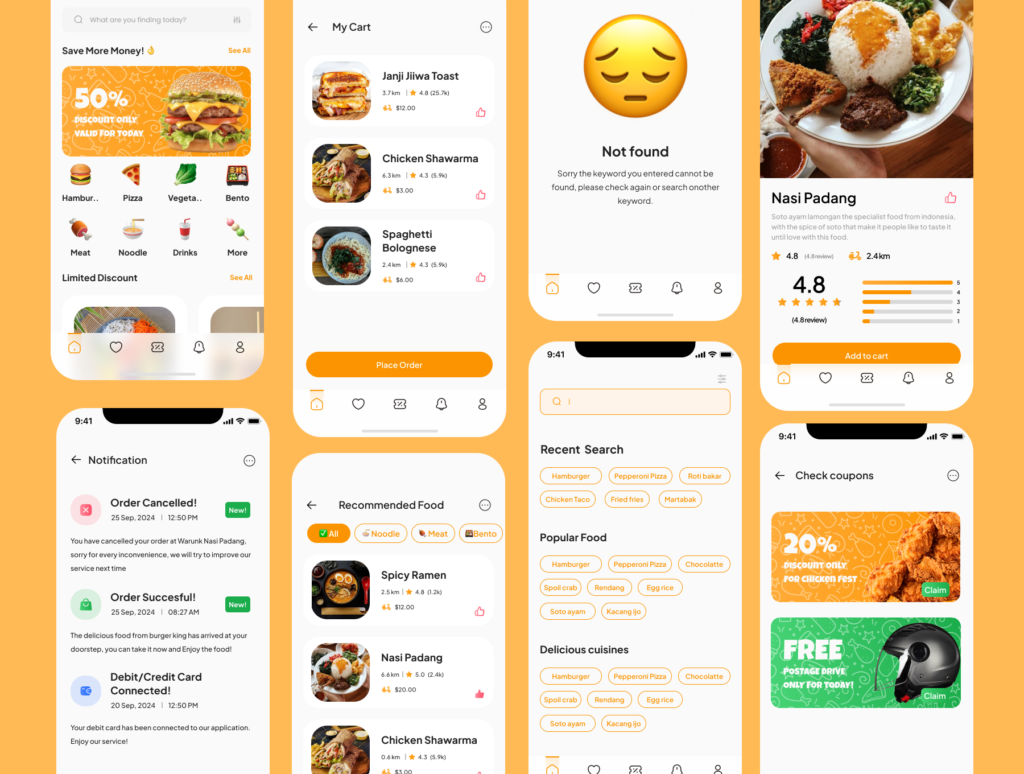
Sendfood – Food Delivery App UI Kit is a pre-designed set of user interface components tailored for creating modern, user-friendly food delivery applications. This UI kit simplifies the design process for developers and designers, offering ready-made templates and elements that align with industry standards.

Key Features of Sendfood UI Kit:

  1. Customizable Components:

    • Includes pre-built screens like homepages, restaurant lists, menus, order tracking, and payment gateways.
    • Fully editable, allowing designers to adjust colors, fonts, layouts, and elements to suit branding needs.
  2. Modern Design:

    • Clean, intuitive, and visually appealing, focusing on seamless navigation and user engagement.
    • Incorporates modern design principles like minimalism, responsive layouts, and interactive elements.
  3. Compatibility:

    • Designed for popular tools like Figma, Adobe XD, and Sketch, ensuring flexibility for designers using different software.
  4. Icons and Assets:

    • Comes with a library of high-quality icons, illustrations, and other design assets that complement the app’s theme.
    • Ensures consistency in style across all screens.
  5. Mobile-First Approach:

    • Optimized for mobile devices with responsive designs that adapt to different screen sizes.
    • Prioritizes ease of use for end users, such as effortless food selection and checkout processes.
  6. User-Centric Features:

    • Includes essential features like search bars, filtering options, and user reviews.
    • Built to accommodate real-world needs such as real-time order tracking, estimated delivery times, and secure payment methods.

Benefits of Using Sendfood UI Kit:

  • Time-Saving: Reduces the time spent on creating designs from scratch.
  • Professional Quality: Ensures high standards of design, enhancing the user experience.
  • Cost-Effective: Eliminates the need to hire designers for basic layout creation, focusing resources on customization.

Ideal Use Cases:

  • Startups: Quickly launch food delivery apps with a professional design.
  • UI/UX Designers: Build prototypes or pitch ideas to clients more effectively.
  • Developers: Use the kit for seamless integration with development workflows.

In summary, Sendfood UI Kit is a powerful tool for building food delivery apps, providing a balance of aesthetics and functionality while streamlining the design process.

Prototyping UI kit

Prototyping is the process of creating a preliminary version or model of a product, system, or design to test concepts, functionalities, and user interactions.

It serves as a bridge between the initial idea and the final product, helping designers, developers, and stakeholders understand and refine the solution.

Sticker animation

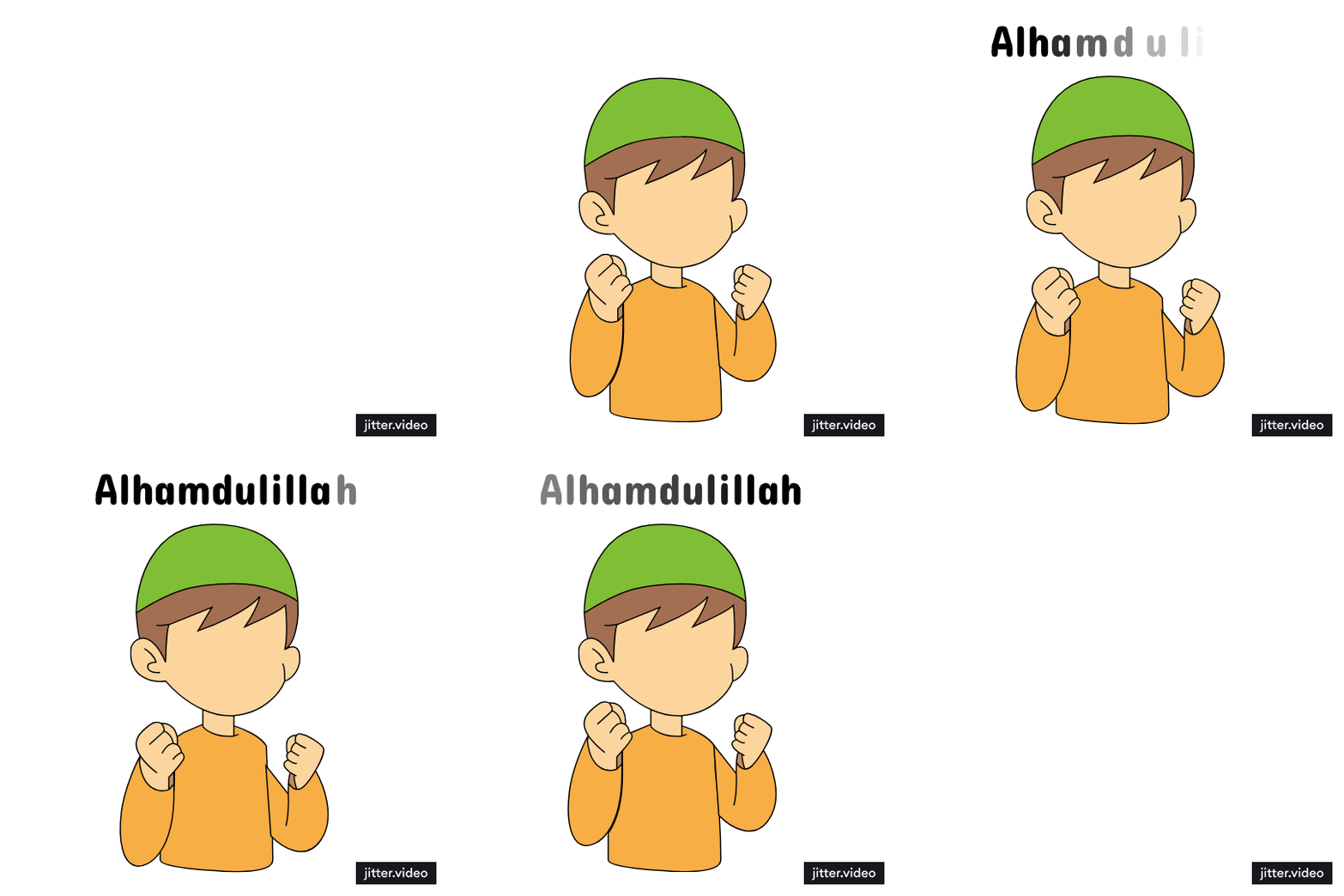
🎉 Creating Animated Stickers with Jitter! 🎨✨

I’m so excited to share a fun and creative project my friends and I recently worked on—animated stickers using Jitter!

This experience allowed us to dive into the world of animation design in a simple yet exciting way. Using Jitter, we experimented with different styles and effects to create stickers that are not only visually engaging but also expressive and fun.

We brainstormed ideas together, drawing inspiration from our daily lives and shared interests, then transformed those ideas into animations that tell a story. It was amazing to see how small movements could bring so much life to a design!

What I loved most about this project was how it challenged us to think outside the box and explore new tools to express our creativity. It also taught us the importance of collaboration and how every team member’s input makes the final result even better.

I’m grateful for this experience and proud of what we achieved as a team. Let me know what you think about our animated stickers or share your tips for creating even better animations! 😊

I’m excited to share the latest progress on my SendFood UI Kit—now with animations created using Jitter!

Adding animations to a UI design makes interactions feel more dynamic and engaging. In this project, I focused on smooth transitions, micro-interactions, and motion effects that enhance the overall user experience. By experimenting with different easing effects and timing, I aimed to make the interface feel more natural and intuitive.

Jitter made the animation process simple yet powerful, allowing me to refine details and bring my UI kit to life without complex coding. Seeing static designs transform into interactive experiences has been an amazing learning journey!

Would love to hear your thoughts—what do you think of UI animations in modern design? Let’s discuss! 😊

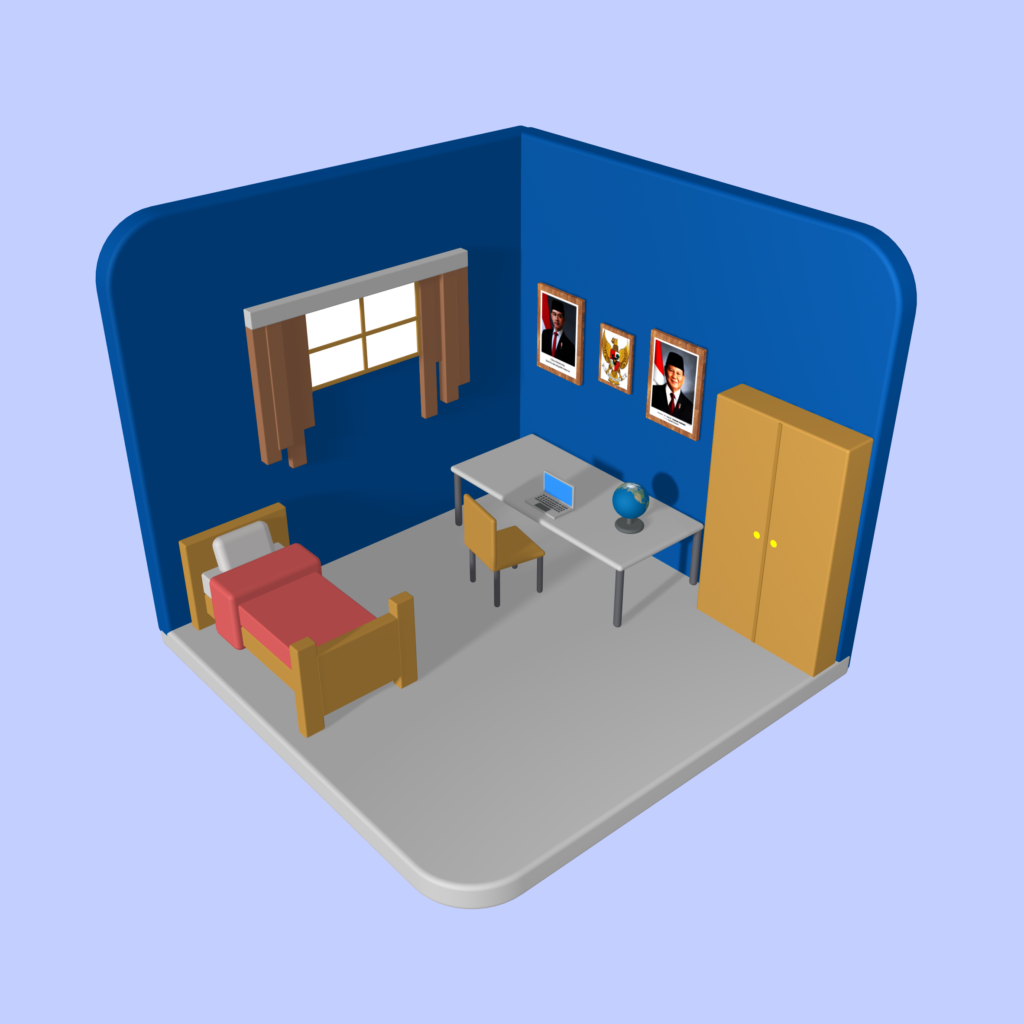
3D design - Bedroom

3D design is the process of creating three-dimensional digital models using specialized software. These models can represent objects, characters, environments, or abstract shapes. Unlike 2D design, which focuses on flat images, 3D design includes depth, allowing objects to be viewed from different angles.

Key Aspects of 3D Design:

  • Modeling: Building the structure of the 3D object using polygons, curves, or sculpting techniques.
  • Texturing: Applying colors, patterns, or materials to make the model look realistic or stylized.
  • Lighting: Adding light sources to create shadows and depth.
  • Rendering: Generating a final image or animation based on the 3D model.
  • Animation (optional): Moving the 3D models to create motion or interactions.

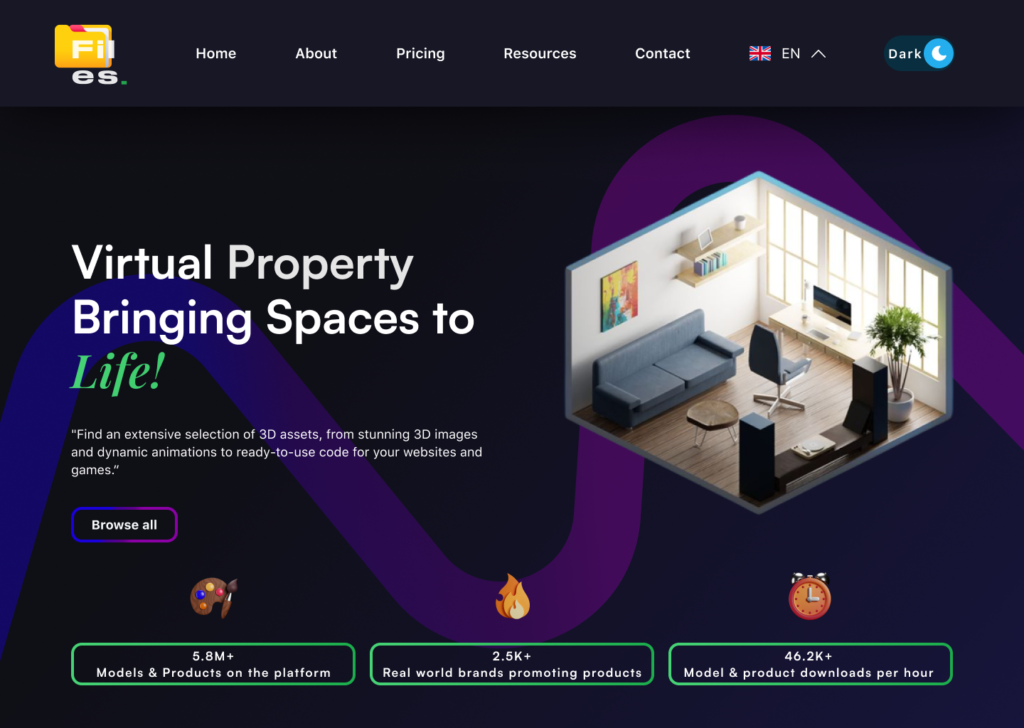
Web design - Files.

Web design is the process of creating visually appealing and functional websites. It involves planning the layout, structure, colors, typography, and interactive elements to provide a seamless user experience.

Key Aspects of Web Design:

  • UI (User Interface) Design – Focusing on how the website looks, including colors, fonts, and overall style.
  • UX (User Experience) Design – Ensuring that the website is easy to navigate and provides a smooth experience for users.
  • Responsive Design – Making sure the website adapts to different screen sizes (desktop, tablet, mobile).
  • Performance Optimization – Ensuring fast loading speeds and smooth interactions.
  • Accessibility – Designing for users of all abilities, including those with disabilities.

Common Tools for Web Design:

  • Figma & Adobe XD – For designing UI layouts and prototypes.
  • WordPress & Webflow – For building websites without coding.
  • HTML, CSS & JavaScript – For custom website development.

A well-designed website not only looks great but also helps businesses, brands, or individuals communicate effectively with their audience. 😊

Video Dakwah - Jangan meremehkan kebaikan sekecil apapun

Jangan pernah meremehkan kebaikan, sekecil apa pun itu. Terkadang, kita merasa bahwa perbuatan baik yang sederhana seperti tersenyum, memberi salam, atau membantu hal kecil tidak berarti apa-apa. Padahal, di mata Allah, kebaikan sekecil apa pun tetap bernilai besar.

Bisa jadi, amal kecil yang kita anggap sepele justru menjadi penyelamat di akhirat kelak. Rasulullah ﷺ bersabda: “Janganlah engkau meremehkan kebaikan sekecil apa pun, meskipun hanya bertemu saudaramu dengan wajah yang berseri.” (HR. Muslim). Jadi, jangan ragu untuk terus berbuat baik, meski itu tampak sederhana.

Video Dakwah - Gunakan waktu sebaik-baik mungkin

Waktu adalah salah satu nikmat terbesar yang diberikan Allah kepada manusia. Sayangnya, banyak orang yang menyia-nyiakannya dengan hal-hal yang kurang bermanfaat. Padahal, waktu yang berlalu tidak akan pernah kembali. Oleh karena itu, gunakanlah waktu sebaik mungkin untuk berbuat kebaikan, belajar, bekerja keras, dan mendekatkan diri kepada Allah.

Dalam Islam, waktu sangat dihargai hingga Allah bersumpah atasnya dalam Al-Qur’an: “Demi masa. Sesungguhnya manusia benar-benar dalam kerugian.” (QS. Al-‘Asr: 1-2). Jangan sampai kita menyesal di kemudian hari karena tidak memanfaatkannya dengan bijak. Setiap detik adalah kesempatan berharga yang tidak boleh disia-siakan.

Profile Company - IDN Boarding School

A company profile is a formal document or presentation that provides an overview of a company’s background, values, services, and achievements. It serves as an introduction to potential clients, partners, investors, or the general public, helping them understand what the company stands for and what it offers.

Typically, a company profile includes the company name and logo, a brief history, mission and vision statements, the services or products offered, organizational structure, achievements, and contact information. Some profiles may also showcase past projects, testimonials, or client lists to strengthen credibility.